When you have identified a NSI record as representing the same person as the learner record in EBS, you can match the two records. However, before matching the record, select the set of fields in the NSI section that you want to update from the NSI to the EBS record.
By default, the following NSI fields will be selected to update to EBS
- NSN (This cannot be deselected)
- Date of Birth
- Name Verification
- Residential Status
- Residential Verification
- NZQA Paid
- NSI Status
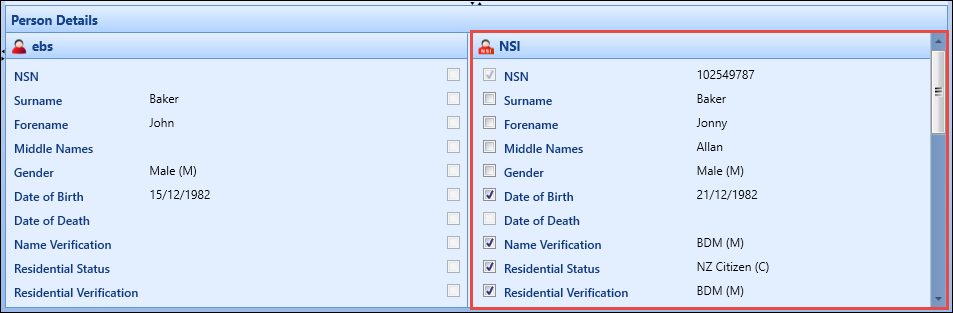
You can select other fields by selecting the corresponding check boxes in the NSI pane of the Person Details section.

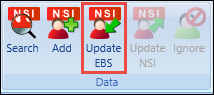
When you have selected the set of NSI fields that you want to update the equivalent EBS fields with, select the Update EBS button on the NSN ribbon to action the match operation.
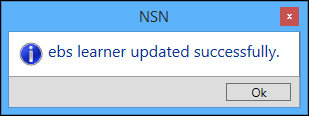
When the match operation is completed successfully, a confirmation message is displayed.